AppLab Studio
A visual application workbench for composing interfaces, exploring components, and exporting code. The desktop app brings the canvas, component library, and property editors into one connected workspace.
- React
- TypeScript
- Electron
- React Flow
What I built
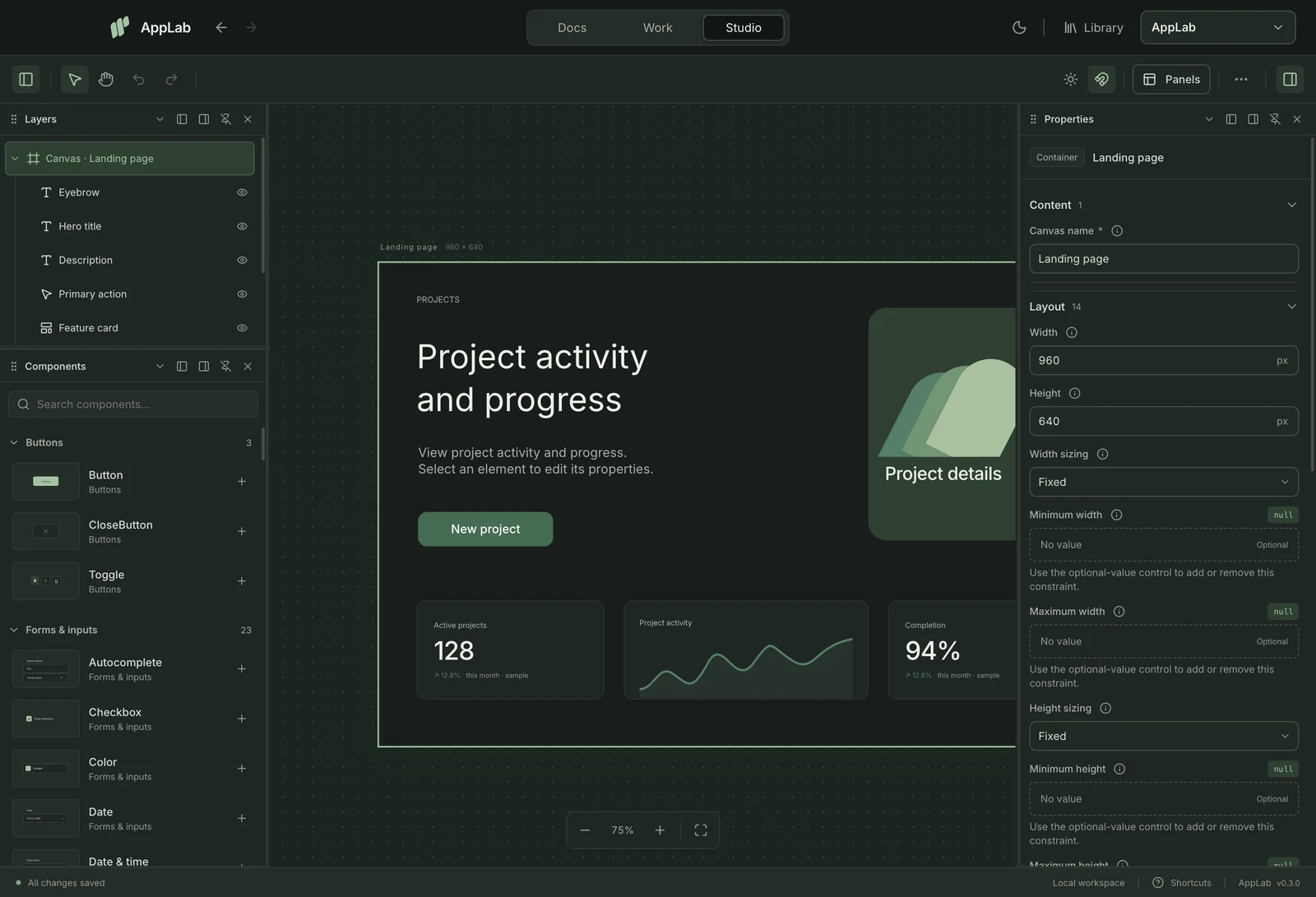
I built AppLab around a shared editing model: select something, inspect its properties, and see the result immediately. A component explored in the library can become part of a canvas, then travel with its source and dependencies into an exported project.
These screens show the current desktop workbench. The linked repository contains the earlier Next.js and Electron web studio.
Engineering decisions
- One component definition, several editors
- The library and canvas resolve the same component catalog and property definitions. That keeps a component's preview, editable controls, and exported usage connected as the design changes.
- Export the implementation
- Canvas export validates the saved document and walks the source dependency graph. It packages the runtime and required components, including layout behavior, rather than producing an image of the screen.
- Keep workspace state separate
- Canvas documents, page selection, and panel placement have separate persistence. Undo and redo operate on the design while preserving the viewport, so editing history does not keep moving the workspace around.